


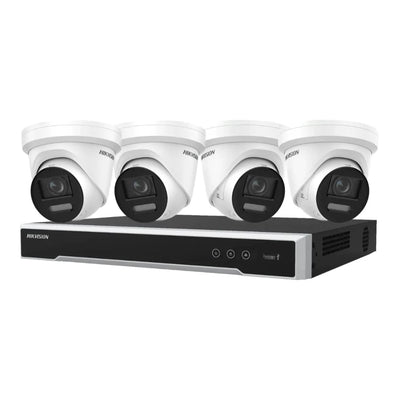


Retail floor surveillance
Shop Floor and Sales Area Security
Improve visibility across retail floors, customer areas, displays, aisles and sales counters while supporting incident review and day-to-day store management.
- Retail-friendly product advice
- Trusted commercial brands
- Fast tracked delivery

1. Shop by retail concern
2. Recommended for common shop-floor setups
Why this setup works
Small retail stores usually need practical visibility across the entry, counter and the highest-value display area. This setup suits boutiques, convenience stores, salons and small showrooms where the owner needs useful footage without a complex commercial design. A simple camera-and-recorder kit can be enough when the layout is compact and the sightlines are clear.
What to prioritise
- Entry and counter coverage first
- A camera view over the most valuable display
- Simple remote viewing for owners
- Enough storage for common incident review windows
Equipment to compare
- 4-channel CCTV kits for compact stores
- Turret or dome cameras for clean indoor mounting
- NVR recording for evidence review
- Remote-viewing compatible systems
Common mistake to avoid
Avoid placing every camera at the ceiling corners only. It may look tidy, but faces, hands and product detail can become too small to review.
Why this setup works
Checkout monitoring is about clear context around payments, service interactions and handover points. This setup suits stores where disputes, refund checks, staff safety or till-area visibility matter. The camera should capture the counter area without pointing too tightly at private information or missing the customer side of the interaction.
What to prioritise
- A balanced view of staff and customer sides
- Mounting that avoids glare and privacy issues
- Audio requirements where legally appropriate
- Footage detail around transactions and handovers
Equipment to compare
- Dome cameras for discreet counter coverage
- Turret cameras where aiming flexibility matters
- NVR systems with clear playback
- Optional audio-enabled models where suitable
Common mistake to avoid
Avoid zooming only at the cash drawer. Useful checkout footage usually needs the customer, staff member and surrounding counter context.
Why this setup works
Multi-aisle coverage suits shops where customer movement spreads across several rows, shelves or display zones. The goal is to reduce blind spots and give managers a complete timeline of movement through the floor. It works best when each camera has a clear purpose rather than every camera trying to see everything.
What to prioritise
- Overlapping views at aisle ends
- Coverage of blind corners and display gaps
- Camera count matched to store layout
- Recorder capacity for multiple cameras
Equipment to compare
- Multi-camera kits with 4 or 8 channels
- Dome cameras for low-profile aisle coverage
- Turrets for adjustable shelf and walkway views
- Larger NVR storage for busier stores
Common mistake to avoid
Avoid relying on one wide camera for several aisles. Wide views can miss shelf-level activity and make incident review slow.
Why this setup works
After-hours review is for stores that need dependable footage when staff are not present. This setup suits retailers that want to check alarm events, break-ins, delivery activity or movement near the entry after closing. Good night performance and searchable recording matter more than a busy live-view screen.
What to prioritise
- Low-light performance after closing
- Smart alerts for people in key zones
- Reliable NVR recording and retention
- Remote access for owner or manager checks
Equipment to compare
- AcuSense or smart detection cameras
- Low-light dome or turret cameras
- NVRs with event search
- Mobile viewing for after-hours checks
Common mistake to avoid
Avoid choosing cameras only for daytime store lighting. After-hours footage often depends on low-light performance and good entry positioning.
Why this setup works
Higher-risk environments need a more deliberate system because the cost of missed detail is higher. This setup suits stores with expensive stock, repeat incidents, secluded aisles, cash handling or exposed entry points. The focus is stronger identification, reliable retention and alerts that separate real events from normal customer movement.
What to prioritise
- Higher resolution at key identification points
- AI event filtering where traffic is noisy
- Longer storage retention
- Clear views around exits, cabinets and cash areas
Equipment to compare
- 8MP or higher-detail cameras for key points
- AI cameras for human detection and filtering
- 8-channel or larger NVR systems
- Additional storage for longer retention
Common mistake to avoid
Avoid under-sizing the recorder. Higher-risk stores often need more cameras, higher resolution and longer retention than a basic kit allows.
3. Choose by equipment type
Guided selector
Help me choose the right setup
Answer four quick questions to get a practical starting point. The recommendation updates on this page and links back to the live products below.
4. Popular starting points
Recommended cards are sourced from available products in the collection order.
Clear equipment selection
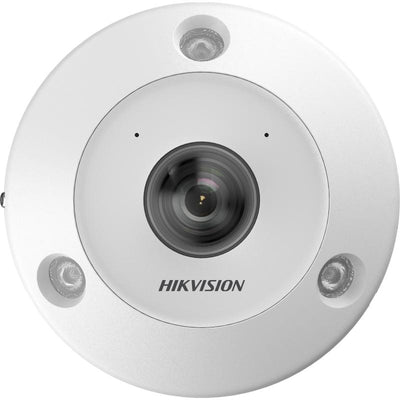
- 6MP high resolution
- Built-in microphone/audio
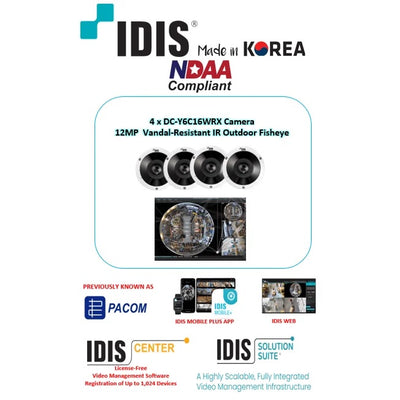
- 12MP high resolution
- Recorder package for easy setup
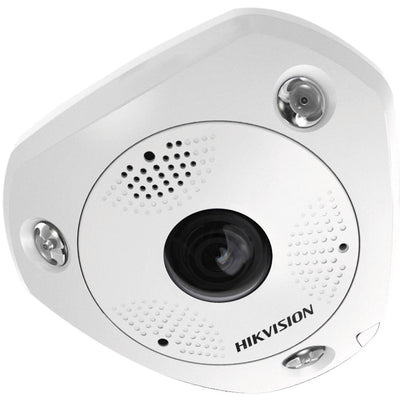
- 6MP high resolution

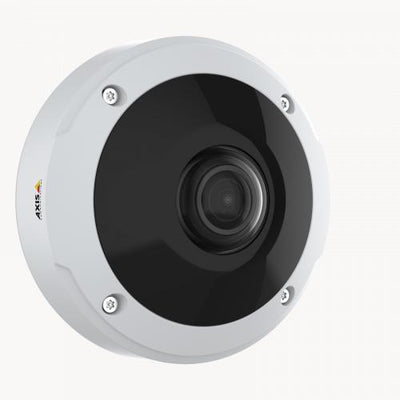
- Built-in microphone/audio
- Weather-ready CCTV design
Retail security guide
Choose the right shop-floor system
Plan coverage around entry points, counters, product displays and the footage detail you need.
Retail floor FAQs
How many cameras does a small shop need?
Many small shops start by covering the entry, counter and key display areas. The right count depends on layout, blind spots and required detail.
Are dome or turret cameras better for retail?
Both can work well. Dome cameras look discreet, while turret cameras are easy to aim and maintain. The best option depends on placement.
Can I monitor my store remotely?
Most compatible IP camera and NVR systems support remote viewing through a smartphone app after setup.
Explore all Shop Floor and Sales Area Security products
Filter and sort

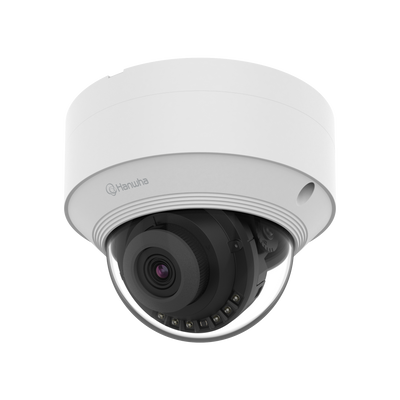
- 5MP high resolution
- Weather-ready CCTV design
- 5MP high resolution
- Weather-ready CCTV design
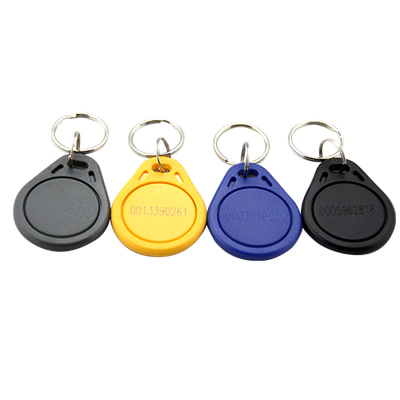
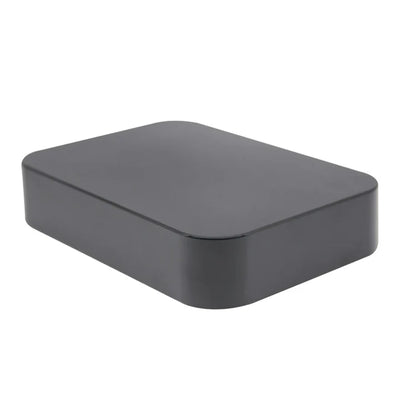
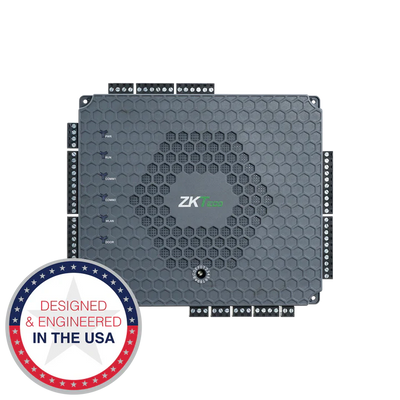

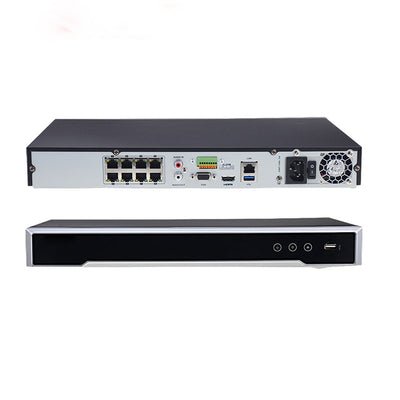
- Recorder package for easy setup

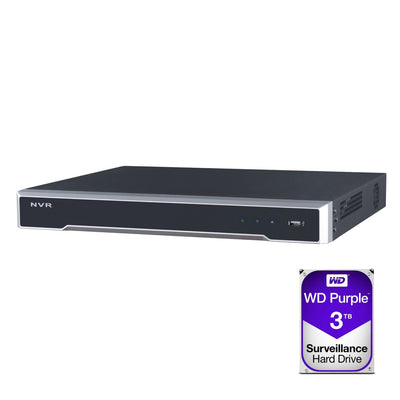
- 8MP high resolution
- AcuSense human and vehicle detection
- Weather-ready CCTV design
- Recorder package for easy setup

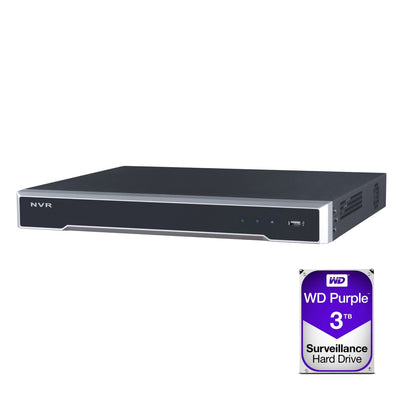
- 8MP high resolution
- Weather-ready CCTV design
- Recorder package for easy setup

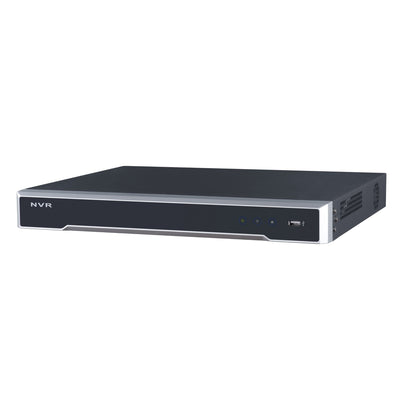
- 8MP high resolution
- Weather-ready CCTV design
- Recorder package for easy setup
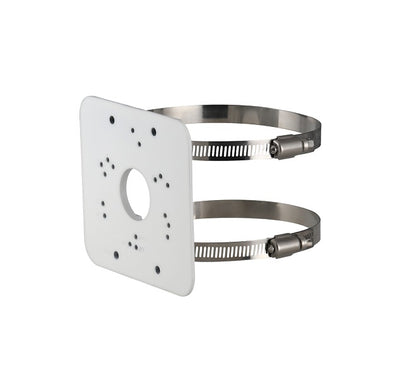
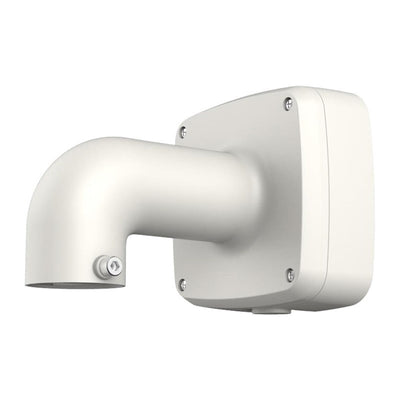
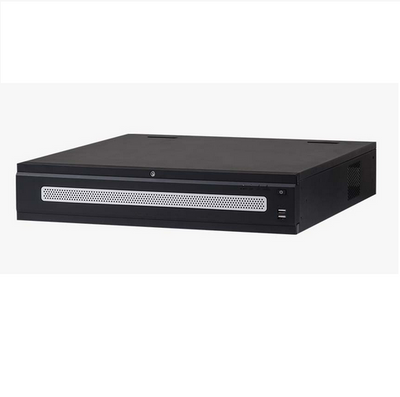
- Recorder package for easy setup
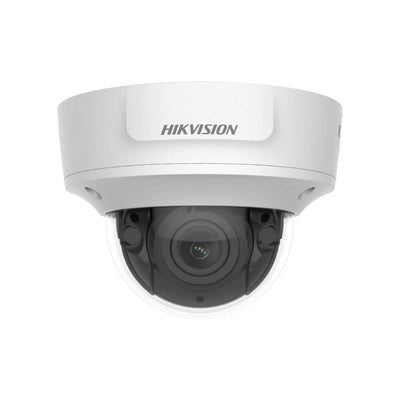
- AcuSense human and vehicle detection
- Weather-ready CCTV design
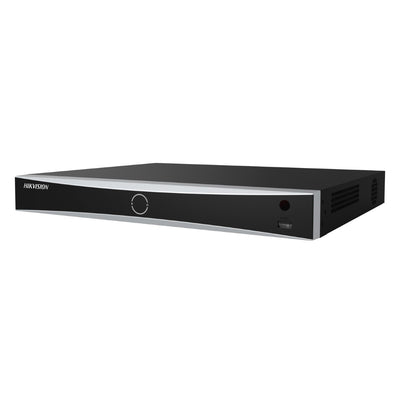
- Recorder package for easy setup

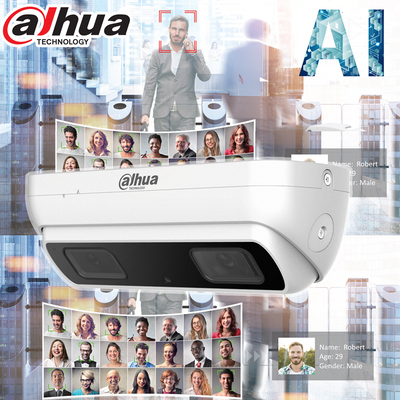
- 4MP high resolution


- 5MP high resolution
- Weather-ready CCTV design

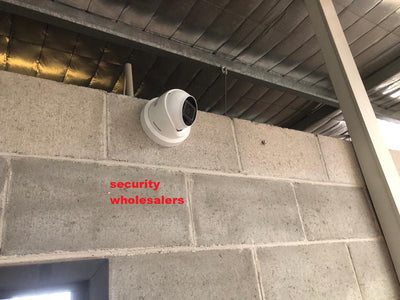
- 8MP high resolution
- AcuSense human and vehicle detection
- Strobe warning light
- Built-in microphone/audio
- Weather-ready CCTV design

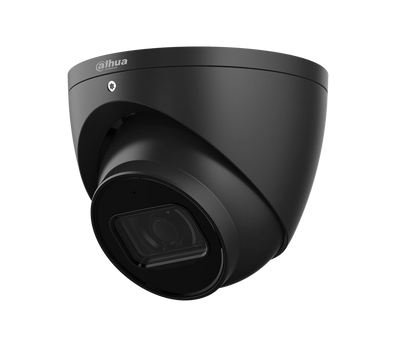
- 6MP high resolution
Need help choosing retail security?
Tell us your store layout and our team can help shortlist suitable products.