





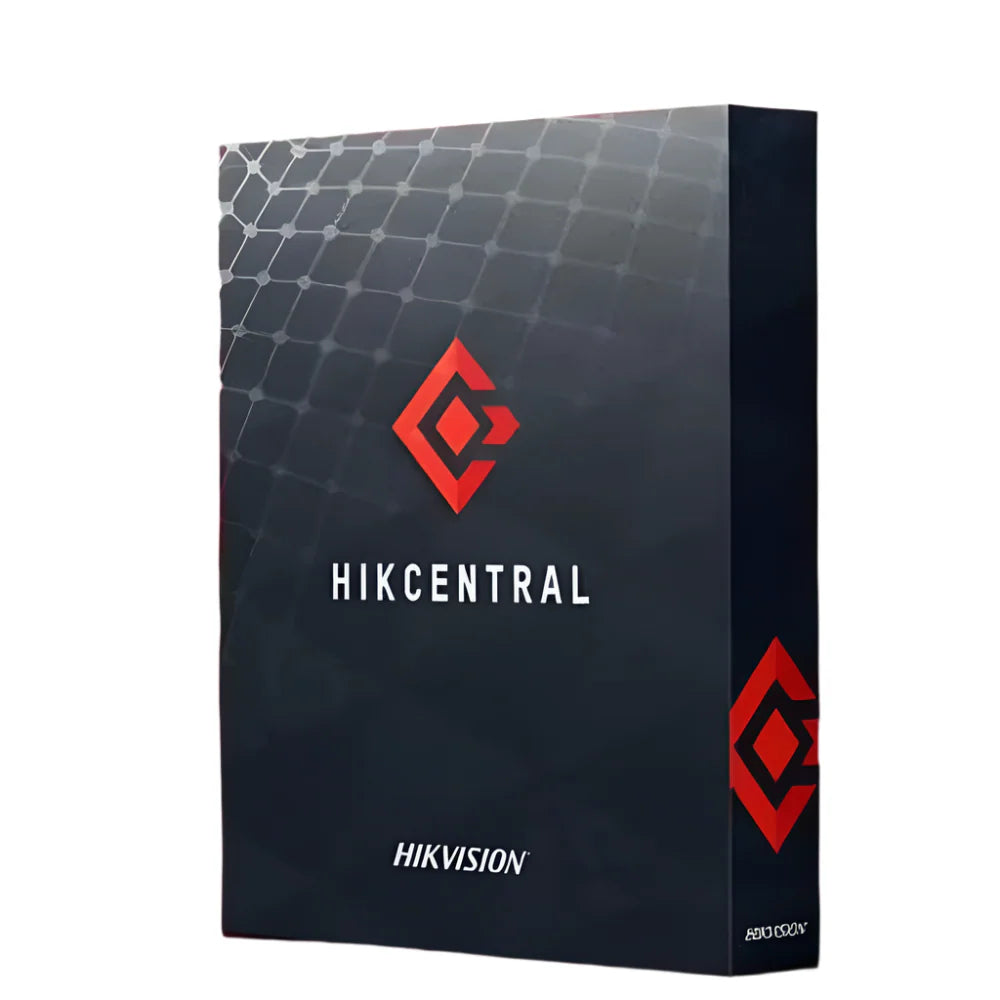
Hikvision HikCentral SmartWall Module HIKCENTRAL-P-SMARTWALL-MODULE
When centralised video wall management is the requirement, the HikCentral SmartWall Module extends the HikCentral Professional platform with dedicated tools for controlling and displaying video across large-format wall configurations. It is suited to control rooms, command centres, and monitoring facilities that need structured, operator-friendly layout management. Note: requires an existing HikCentral Professional base licence.
Why This Model
- Video wall control: Enables operators to manage screen layouts, camera feeds, and display sequences from a single interface - reducing response time during incidents.
- Platform integration: Operates natively within HikCentral Professional, so existing sites can add wall management without introducing a separate system or software stack.
- Scalable add-on: Sold as a modular licence, meaning facilities can activate SmartWall capability only where needed rather than paying for a full platform upgrade.
Need help choosing?
Click to ask a question - same day response (~2 hours during business hours)
Product Overview
Model: HIKCENTRAL-P-SMARTWALL-MODULE
Who This Is For
Operations teams managing dedicated control rooms or monitoring centres who need centralised, structured control over what appears on their video wall displays. The HikCentral SmartWall Module is a licensed software add-on for HikCentral Professional that unlocks video wall management within the platform - letting operators push camera streams, alarm events, and custom views directly to large-format display walls from a single interface. This is relevant where multiple operators share a common display environment and need structured layout control, alarm-triggered display switching, or scheduled scene management. Integrators specifying control rooms for transport hubs, utilities, corporate security operations, or council monitoring centres will find this module is the logical extension of an existing HikCentral Professional deployment rather than a standalone product.
What This Module Actually Does
Video Wall Management
Adds SmartWall control directly inside HikCentral Professional, allowing operators to define display layouts, assign camera feeds to specific screens, and manage the entire wall from one centralised software interface without switching between separate control applications.
Alarm-Driven Display Switching
When an alarm event triggers in HikCentral Professional, the SmartWall module can automatically push the relevant camera view or pre-configured scene to the video wall, reducing the time an operator takes to locate and display the relevant feed during an incident.
Scheduled Scene Management
Operators can configure time-based scene switching so the video wall automatically changes its layout and camera groupings according to a schedule - useful where shift handovers, peak periods, or different operational priorities require different display configurations throughout the day.
Unified Platform Extension
Because this is a module within HikCentral Professional rather than a separate system, operators interact with the same interface they already use for camera management, playback, and access control. There is no separate SmartWall application to train staff on or maintain independently.
Multi-Operator Control
In a shared control room environment, multiple operators can interact with the SmartWall through HikCentral Professional's role-based permissions structure, keeping display control organised and preventing unauthorised changes to the wall layout during active monitoring sessions.
Who Buys This Module
- Security Integrators: Building or upgrading control rooms for commercial or government clients who are already running HikCentral Professional and need video wall management added without deploying a separate platform.
- Transport and Infrastructure Operators: Road, rail, and utilities control centres where operators need structured, alarm-responsive display management across large multi-screen video walls during incidents.
- Corporate Security Operations Centres: Larger organisations running centralised security monitoring across multiple sites who want a consistent display environment that responds to alarm events automatically.
- Council and Public Safety Monitoring: Local government and public space monitoring centres where scheduled layout changes across shift periods and multi-operator access make a managed SmartWall setup more practical than ad hoc display control.
Honest Assessment
The HikCentral SmartWall Module does one thing well: it brings video wall control inside HikCentral Professional so operators are not juggling separate applications. Alarm-triggered display switching and scheduled scene management are genuinely useful in active monitoring environments where response speed and structured layout control matter. The unified interface reduces training overhead in organisations where staff already use HikCentral Professional for other functions. What this module will not do is function as a standalone video wall controller - it has a hard dependency on HikCentral Professional being licensed and operational. It is also not a display hardware solution; the physical wall, decoders, and cabling are separate considerations. Buyers who do not already have a HikCentral Professional base licence should cost the full stack before specifying this module. Available through Security Australia as part of the broader HikCentral Professional licensing range.
Before You Buy
Licence Dependency Note: The SmartWall Module is an add-on to HikCentral Professional - it cannot operate without an active HikCentral Professional base licence already in place. Confirm your existing HikCentral Professional version is compatible with the SmartWall Module before purchasing, and factor in any HikCentral Professional base and channel licensing costs if you are specifying this for a new installation.
Hardware Planning Note: This is a software licence only. The physical video wall displays, Hikvision SmartWall decoders, and the server infrastructure running HikCentral Professional are all separate line items. Ensure your decoder hardware is confirmed compatible with the HikCentral SmartWall Module before committing to a display configuration.
Quick Fit Check
- Good match if: You are already running HikCentral Professional and need to add structured video wall management - including alarm-triggered display switching - without introducing a second software platform to your control room.
- Good match if: Your control room operates across shifts with different monitoring priorities, and scheduled scene management would remove the manual effort of reconfiguring the display wall at each handover.
- You may need a different model if: You are running a different VMS platform - the SmartWall Module is exclusive to the HikCentral Professional ecosystem and will not integrate with third-party or non-Hikvision VMS software. Review the broader HikCentral Professional licence and module range for the right fit.
Key Features & Technical Specifications
Real-World Scenarios
How It Compares
- Choose this if: Your facility already runs HikCentral Professional and you need video wall management, alarm-triggered display switching, and scheduled scene control without adding a separate software platform to your environment.
- You may need a different module if: Your priority is expanding the number of cameras or access control doors managed by HikCentral Professional rather than video wall control - other HikCentral Professional add-on modules covering channel expansion or access control integration would be more relevant to review.
- Pairs well with: HikCentral Professional base licence and channel expansion modules, plus compatible Hikvision SmartWall decoder hardware for the physical display infrastructure.
Common Questions
-
Can I use the SmartWall Module without an existing HikCentral Professional licence?
No. The SmartWall Module is an add-on and requires an active HikCentral Professional base licence to function. It cannot operate as a standalone video wall controller. If you are starting a new installation, you will need to cost the HikCentral Professional base licence and any required channel licences alongside this module before specifying the full system. -
Does this module work with any video wall display hardware?
No, not universally. The SmartWall Module is designed to work with compatible Hikvision SmartWall decoder hardware. Third-party display wall controllers or non-Hikvision decoder systems are not supported by this module. Confirm your intended decoder model is on Hikvision's compatibility list for HikCentral Professional SmartWall before purchasing display hardware. -
Will this module allow alarms to automatically change what appears on the video wall?
Yes. One of the core functions of the SmartWall Module is alarm-triggered display switching - when a configured alarm event fires within HikCentral Professional, the module can automatically push the associated camera feed or a pre-configured scene to the video wall. This is particularly useful in active monitoring environments where operator response time during an incident matters. -
How many operators can control the video wall at the same time?
Multiple operators can interact with SmartWall management through HikCentral Professional's existing role-based permissions framework. Access to video wall controls can be assigned to specific user roles, meaning not all operators on the system need - or will have - the ability to change the wall layout. The exact concurrent operator limits are governed by your HikCentral Professional deployment configuration. Security Australia stocks the full HikCentral Professional module and licence range if you need to plan a multi-operator setup. -
Is this a one-time licence purchase or a subscription?
The HikCentral SmartWall Module is a perpetual licence rather than an ongoing subscription. Once purchased and activated, the module functionality remains available within your HikCentral Professional installation without recurring licence fees. Confirm with your supplier whether software maintenance or version upgrade entitlements apply to your specific purchase. -
Does this module include the physical video wall displays or decoders?
No. The HIKCENTRAL-P-SMARTWALL-MODULE is a software licence only. Physical displays, SmartWall decoder units, cabling, and mounting hardware are all separate items that need to be specified and costed independently. The module provides the software management layer within HikCentral Professional - the hardware infrastructure still needs to be planned and procured separately. -
Can scheduled scenes be set up to change automatically without operator input?
Yes. The SmartWall Module supports time-based scene scheduling, allowing the video wall to automatically switch between pre-configured layouts at defined times. This is useful for control rooms with regular shift patterns where different camera groupings are prioritised at different times of day, removing the need for operators to manually reconfigure the display at each handover.
Downloads & Resources
No downloads available for this product.
What This Product Does
When centralised video wall management is the requirement, the HikCentral SmartWall Module extends the HikCentral Professional platform with dedicated tools for controlling and displaying video across large-format wall configurations. It is suited to control rooms, command centres, and monitoring facilities that need structured, operator-friendly layout management. Note: requires an existing HikCentral Professional base licence.
Why This Model
- Video wall control: Enables operators to manage screen layouts, camera feeds, and display sequences from a single interface - reducing response time during incidents.
- Platform integration: Operates natively within HikCentral Professional, so existing sites can add wall management without introducing a separate system or software stack.
- Scalable add-on: Sold as a modular licence, meaning facilities can activate SmartWall capability only where needed rather than paying for a full platform upgrade.
Not sure if this suits your site?
Ask our team before ordering. We can help confirm lens choice, recorder compatibility, mounting accessories and project quantities.
Get Product Help
Ask our team before ordering. We can help confirm lens choice, recorder compatibility, mounting accessories and project quantities.
Shipping & Warranty
3 Years Manufacturer Warranty
All IP cameras and recording devices (NVR’s/DVR’s) are covered by a 3 year back-to-base manufacturer warranty.
Our warranty is limited to the replacement of faulty items or parts and does not include damage due to incorrect fitting of parts or accessories, or damage due to mishandling the equipment once out of the box. All faults are sent to the manufacturer for inspection and diagnosis before a replacement is sent out.
Read more about the Terms & Conditions here – https://www.securityaustralia.com.au/terms-and-conditions/
Free Delivery* & Despatch Time
*Just spend over $200 to activate Fast Free Shipping!
Despatch Times: Products are despatched on the same day if the order was placed before 11am on any weekday, Monday - Friday. All other orders are processed and despatched within 24 hours or next business day.
Order Confirmation: Once you place an order, you will receive a confirmation email. This indicates that your order has been received in our system and is now being processed for dispatch. If your item is back-ordered or unavailable, we will notify you via email, and if we do not receive a response, we will attempt to contact you by phone as soon as possible. We value your time and strive to be prompt. If your item(s) are available for immediate shipment (within 2 days), we will process the charges and prepare the order for shipping.
Shipping Times: General shipping times for StarTrack, TNT and Allied couriers are between 1-3 working days from despatch. Longer delivery times may be caused by your package being held at your local courier depot that is beyond our control. Please contact us or the local post depot for confirmation.
Tracking Numbers: all tracking numbers will be emailed to you by our warehouse processing team within the day, after your order is despatched to our local courier.

Get expert advice
Tell us what you need help with and our team will send practical product advice straight to your inbox.
Hikvision HikCentral SmartWall Module HIKCENTRAL-P-SMARTWALL-MODULE